



ImageCraft: Image Optimizer, WebP/AVIF & AI Alt Text for WordPress
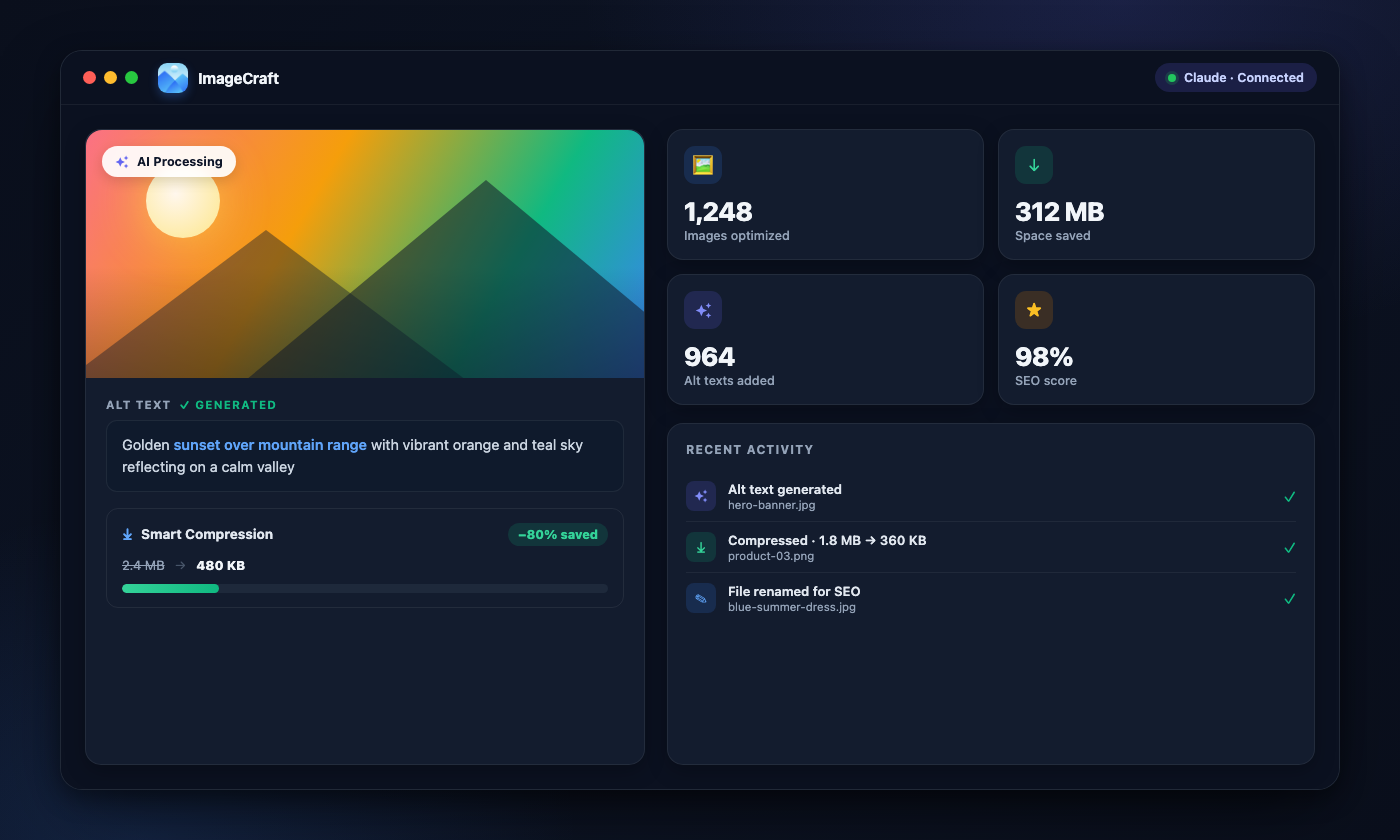
The all-in-one image optimizer: compress images without losing quality, convert to WebP & AVIF, fix broken images with fallbacks, generate AI alt text & titles, rename files for SEO, and audit your media library, all in one plugin. Optimization runs 100% locally and free. For AI, use the WordPress 7.0 native AI Client, or bring your own Anthropic Claude, OpenAI GPT-4o, or Google Gemini key.
What's new: changelog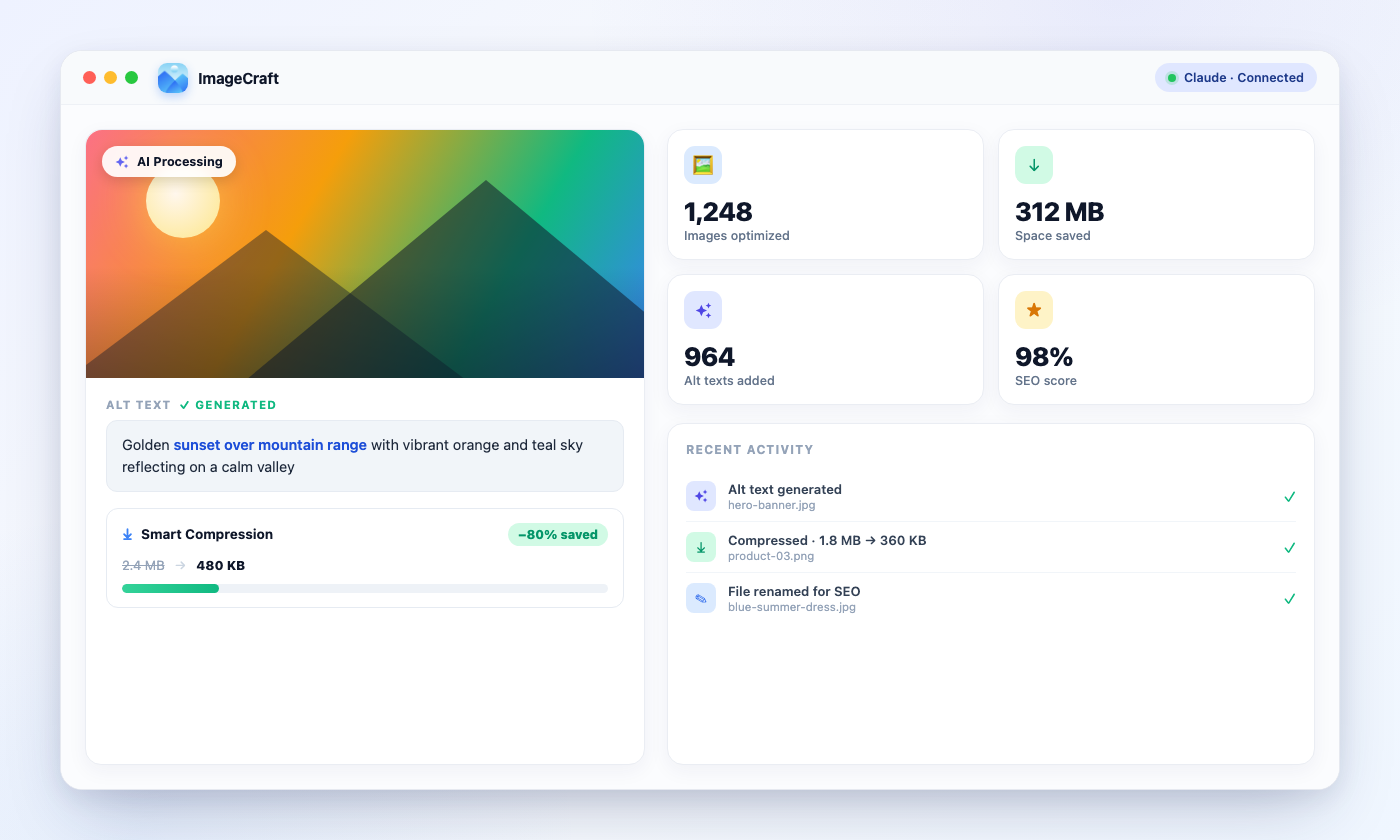


 + more
Everything You Need for Image SEO
Smart Image Compression
Shrink JPG, PNG, GIF & WebP files without visible quality loss. It runs 100% locally on your server, with no external service. Every original is backed up for one-click restore.
Next-Gen WebP & AVIF Conversion
Generate WebP and AVIF copies beside your originals and serve them through a standard <picture> element. Nothing is overwritten, every thumbnail size is covered, and it's fully reversible in one click.
Image Fallbacks
Never show a broken image again. Pick one fallback that appears whenever an image fails to load, and as the featured image for posts that don't have one. Non-destructive and reversible.
Batch Processing
Run your whole library in one go (compression, WebP/AVIF conversion, alt text, titles and descriptions) with chunked processing, real-time progress, and resume after a browser close.
Auto-Compress & Auto-Generate on Upload (Pro)
With Pro, every new upload is processed in the background automatically: compressed, converted to next-gen formats, and given alt text, titles and descriptions, without lifting a finger.
AI Alt Text, Titles & Descriptions
Generate all three in a single AI call. Pick the fields you want per image or per batch, and pay for one request instead of three.
WordPress Native AI Support
Works with the built-in WordPress 7.0 AI Client, so you can generate using your site's configured AI connector with no API key to manage. Or bring your own Claude, GPT-4o, or Gemini key.
Media Library Scanner
Scan your entire media library with advanced filters: date range, alt text quality, file size, and missing/generic alt detection.
SEO Audit Dashboard
See how many images are missing alt text, have generic placeholders, or exceed recommended length, along with fix suggestions.
Start Free, Upgrade When You Need More
The free plugin does everything. Pro removes the 50/day limit and adds priority support, multi-site licensing, and automatic updates.
Solo
1 site- Licensed for 1 site
- Unlimited actions, with no daily limit on AI or compression
- Everything in the free plugin included
- Auto-generate & auto-compress on upload, hands-free for every new image
- Per-post-type featured image fallbacks
- Adjustable compression quality & resize limit
- All integrations included
- 65+ languages & 7 tone presets
- 1 year of updates & support
Studio
20 sites- Licensed for 20 sites
- Unlimited actions, with no daily limit on AI or compression
- Everything in the free plugin included
- Auto-generate & auto-compress on upload, hands-free for every new image
- Per-post-type featured image fallbacks
- Adjustable compression quality & resize limit
- All integrations included
- 65+ languages & 7 tone presets
- 1 year of updates & support
Agency
Unlimited sites- Licensed for unlimited sites
- Unlimited actions, with no daily limit on AI or compression
- Everything in the free plugin included
- Auto-generate & auto-compress on upload, hands-free for every new image
- Per-post-type featured image fallbacks
- Adjustable compression quality & resize limit
- All integrations included
- 65+ languages & 7 tone presets
- 1 year of updates & support
Remove the daily limit and unlock priority support, multi-site licensing, and automatic updates.
ImageCraft vs AltText.ai
See why ImageCraft is the most comprehensive image SEO solution for WordPress.
Everything You Get with ImageCraft
A comprehensive toolkit for WordPress image SEO, from AI generation to advanced analytics.
Image Compression
Next-Gen Formats & Fallbacks
AI & Generation
Image SEO
Integrations
Bulk & Workflow
Dashboard & Security
See ImageCraft in Action
Watch our step-by-step walkthrough to learn how ImageCraft transforms your WordPress image SEO workflow.
Frequently Asked Questions
Still have a question?
If you couldn't find the answer above, visit our support portal for guides, troubleshooting help, and plugin support resources.
ImageCraft articles & guides
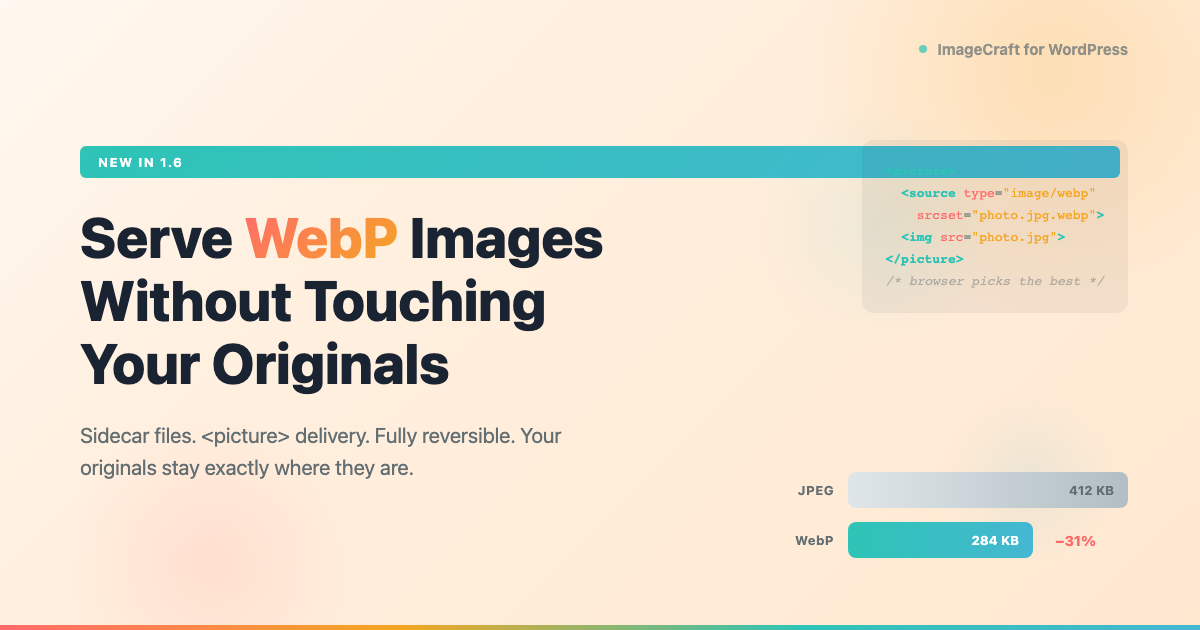
How to Serve WebP Images in WordPress (Without Touching Your Originals)
Most WebP plugins rewrite your URLs, replace your originals, or route files through an external service. ImageCraft creates WebP copies beside your originals and serves them with a standard element. Turn it off anytime — nothing to undo. Setup takes five minutes.
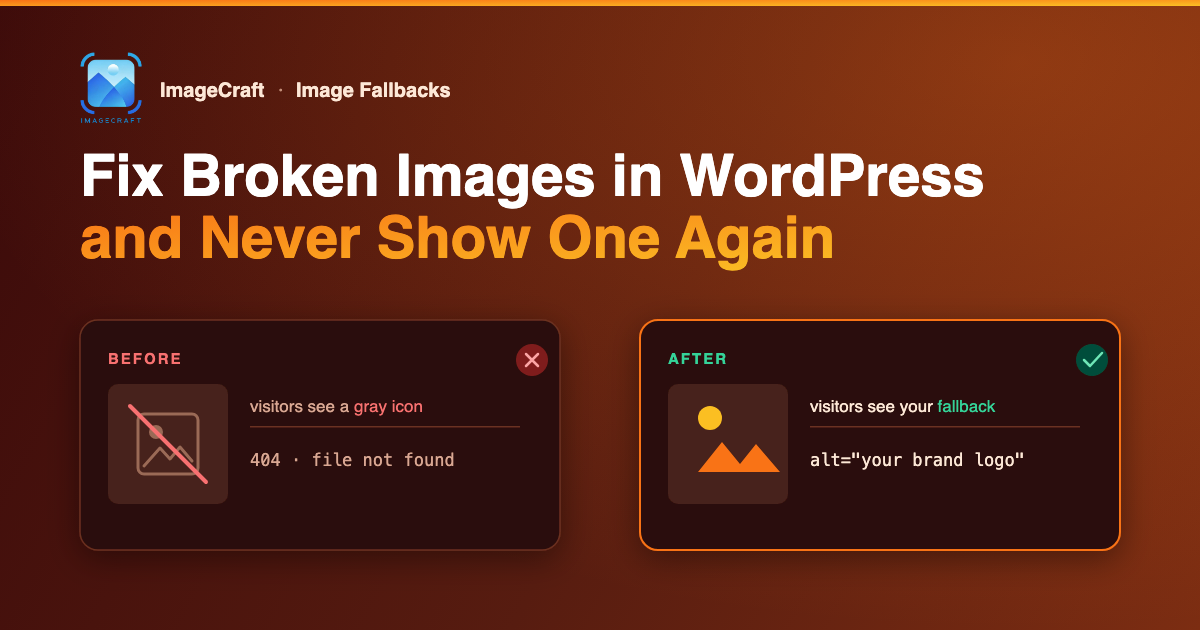
How to Fix Broken Images in WordPress (and Never Show One Again)
Broken images and missing featured images make your site look abandoned. Here is how to fix them once in WordPress — and never show a visitor one again.

How to Add AI Alt Text to WooCommerce Product Images
Add SEO-friendly alt text to your whole WooCommerce store in bulk. ImageCraft writes it from each product’s name, SKU, and category — featured and gallery images
Ready to Improve Your WordPress Image SEO?
Use ImageCraft to generate alt text, optimize filenames, and improve accessibility across your site.